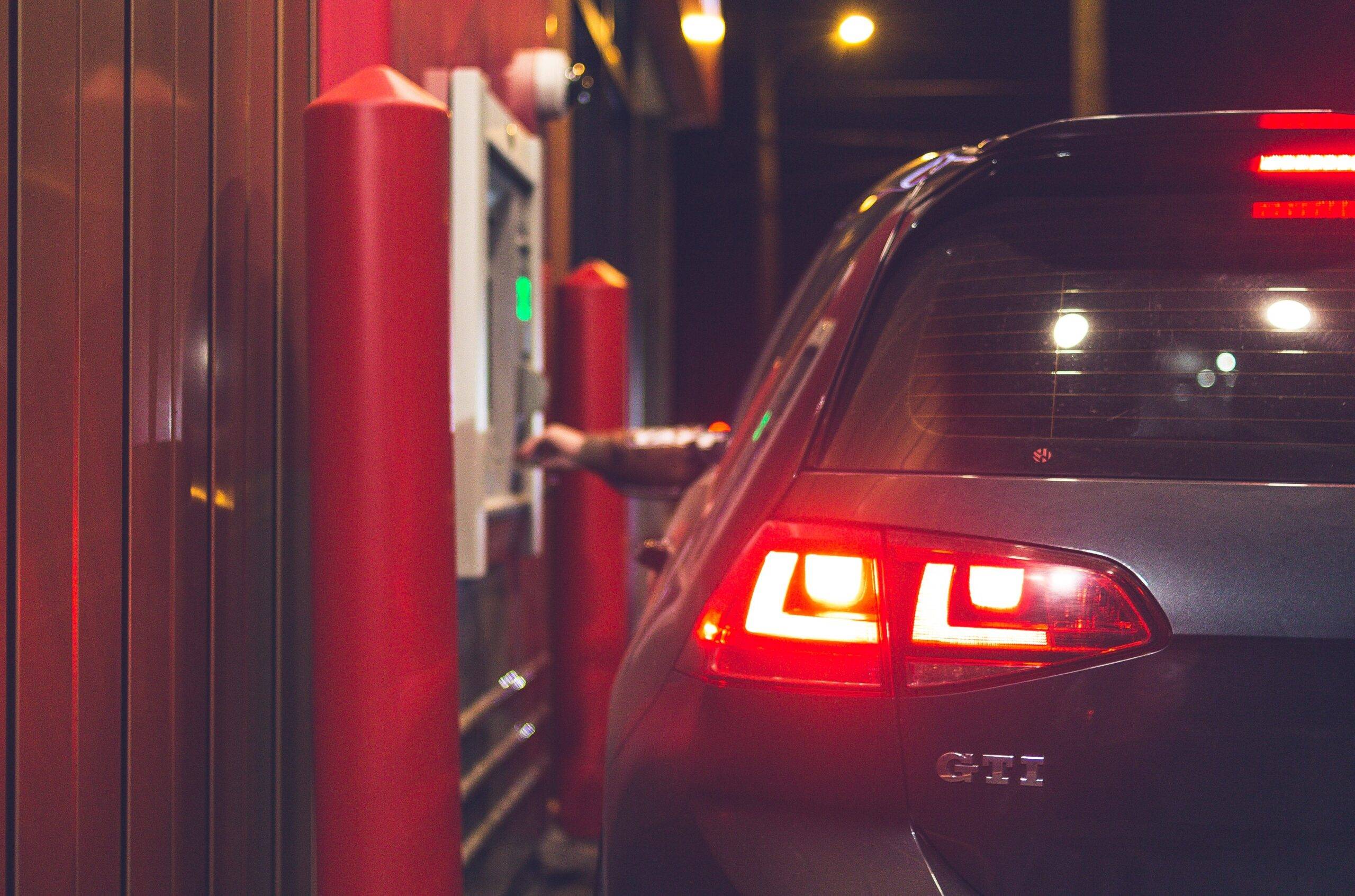
What is Drive Thru Kiosks
Drive-thru kiosks are self-service ordering terminals that are commonly found in fast food restaurants. Customers can use these kiosks to place their order, select menu items, and make payments. Drive-thru kiosks provide customers with an alternative to traditional drive-thru ordering methods and can improve the speed and efficiency of the drive-thru process. The use of drive-thru kiosks also reduces the need for human interaction, which can be beneficial for customers who prefer a contactless ordering experience.
Benefits of drive-thru Kiosk
The benefits of drive-thru kiosks include:
Speed and Efficiency: Drive-thru kiosks allow customers to place their order quickly and efficiently, reducing wait times and improving the overall drive-thru experience.
Reduced human interaction: Drive-thru kiosks provide a contactless ordering experience for customers who prefer to minimize human interaction.
Increased accuracy: Kiosks eliminate the possibility of human error in the ordering process and ensure that orders are accurate and consistent.
Improved convenience: Drive-thru kiosks allow customers to place their order at their own pace and without the need to interact with an attendant.
Personalized experience: Kiosks can be programmed to offer customized menu options and recommendations based on a customer’s previous orders.
Increased sales: By improving the speed and efficiency of the drive-thru process, drive-thru kiosks can increase sales and boost revenue for fast food restaurants.
Cost savings: By reducing the need for human attendants, drive-thru kiosks can help fast food restaurants save on labor costs.
Features of Drive Thru Kiosk
The features of drive-thru kiosks include:
Touchscreen interface: Kiosks typically feature a large, user-friendly touchscreen interface that allows customers to easily navigate and select menu items.
Menu customization: Kiosks can be programmed to offer customized menu options and recommendations based on a customer’s previous orders.
Multiple payment options: Drive-thru kiosks typically accept a variety of payment methods, including cash, credit cards, and mobile payments.
Order tracking: Kiosks can track and display the status of a customer’s order in real-time, providing transparency and reducing confusion.
Integration with restaurant POS systems: Drive-thru kiosks can be integrated with a restaurant’s point of sale (POS) system, allowing for seamless and efficient order processing.
Multilingual support: Kiosks can be configured to support multiple languages, making them accessible to a wider range of customers.
Custom branding: Drive-thru kiosks can be customized with a restaurant’s logo and brand colors, providing a consistent and recognizable brand experience.
Audio and visual prompts: Kiosks can be programmed to provide audio and visual prompts to guide customers through the ordering process and provide feedback on the status of their order.
Technical Features of Drive Thru Kiosk
The technical features of drive-thru kiosks include:
Hardware: Drive-thru kiosks typically use robust and durable hardware components, including touchscreens, card readers, and printers, to ensure reliable and long-lasting performance.
Operating system: Kiosks run on a specialized operating system, such as Windows or Android, that is optimized for self-service ordering applications.
Network connectivity: Drive-thru kiosks are typically connected to a local area network (LAN) or a wireless network, allowing for seamless communication with the restaurant’s POS system and other hardware components.
User authentication: Kiosks can be equipped with user authentication features, such as password protection or biometric scanning, to secure customer data and protect against unauthorized access.
Order processing software: Kiosks run specialized order processing software that manages the ordering and payment process and integrates with the restaurant’s POS system.
Printing technology: Kiosks typically use high-quality thermal printers to produce clear and legible receipts and order tickets.
Remote management: Drive-thru kiosks can be remotely managed and monitored, allowing for quick and easy updates, troubleshooting, and maintenance.
Data storage: Kiosks use secure data storage systems to store customer data and transaction information, ensuring data security and privacy.
Why do people take so long at drive-thru kiosks?
There are several reasons why people may take longer at drive-thru kiosks, including:
Lack of familiarity: Some customers may not be familiar with the use of kiosks, leading to slower order times as they navigate the interface and select menu items.
Difficulty in making a decision: With a wide range of menu options available, some customers may struggle to make a decision, leading to longer wait times at the kiosk.
Technical issues: Technical problems with the kiosk, such as slow touchscreens or printer malfunctions, can result in longer wait times for customers.
Payment issues: Customers may encounter issues with payment methods, such as problems with card readers or slow mobile payment processing, leading to longer wait times.
Complex orders: Orders that are particularly complex, such as those with multiple modifications or customizations, may take longer for customers to place using a drive-thru kiosk.
Age and disabilities: Some customers, particularly those who are older or have disabilities, may have difficulty using the kiosk and may take longer to place their order.
Crowded locations: In crowded locations with many cars waiting in line, customers may take longer to place their order at the drive-thru kiosk as they wait for their turn.