Introduction
Modern workplaces are moving toward smarter, more flexible meeting spaces. One of the simplest ways to improve the meeting experience is to reduce the cables connecting laptops, displays, cameras, microphones, and conferencing systems.
A cable-free meeting room uses wireless presentation, wireless conferencing, smart displays, and integrated room technology to create a cleaner and easier collaboration environment. Instead of spending valuable meeting time finding the right HDMI cable, adapter, or connection, employees can connect and start sharing in just a few steps.
For businesses looking to modernize their offices, a wireless meeting room can improve collaboration while creating a more professional workplace experience. FAMA Technologies provides integrated meeting room solutions designed around different room sizes, business requirements, and collaboration needs.
What Is a Cable-Free Meeting Room?
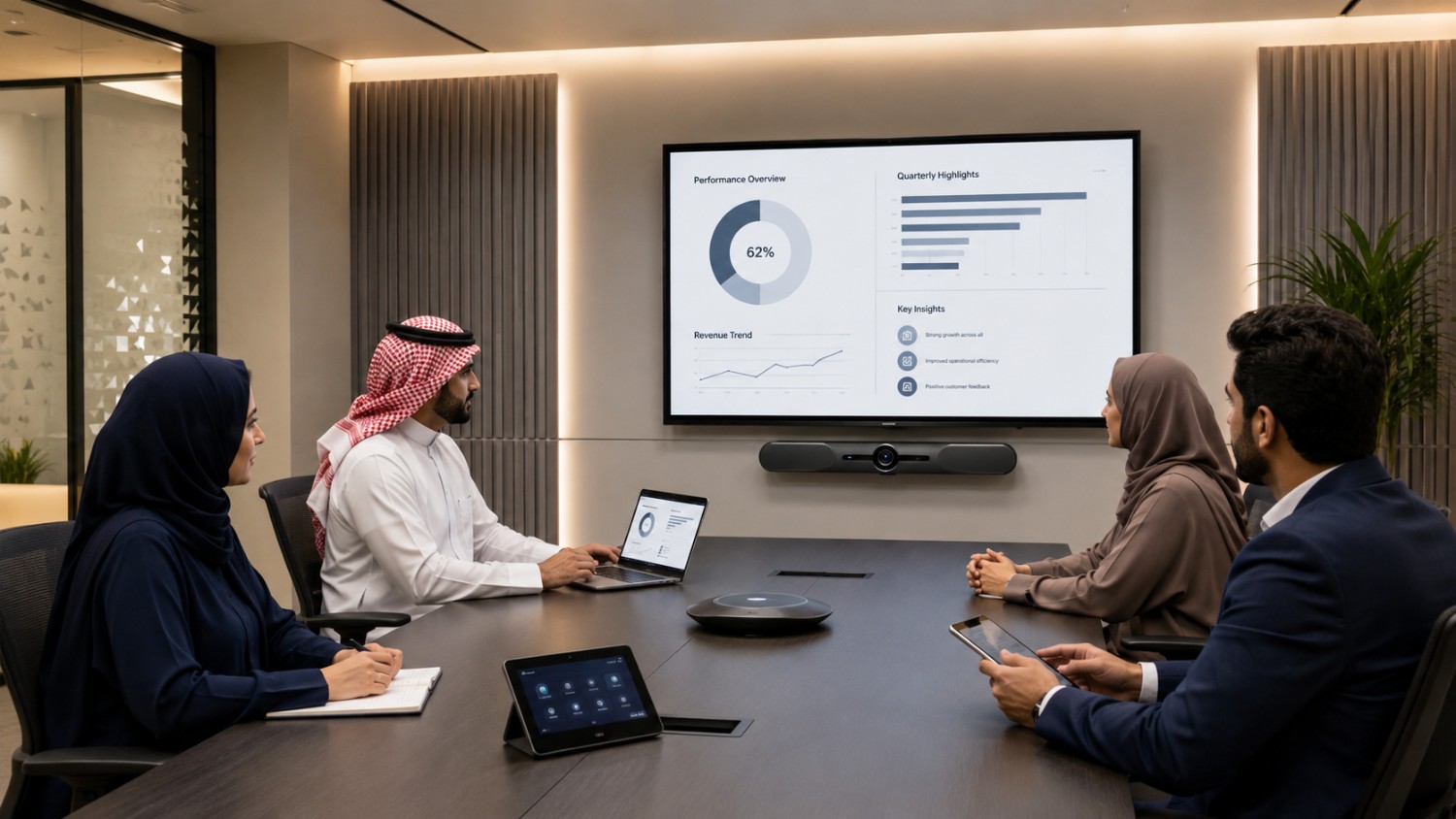
A cable-free meeting room is a meeting space designed to minimize the need for physical cables during presentations and video conferences.
Instead of connecting every laptop directly to the meeting room display or conferencing equipment, employees can use wireless technologies to share content, join meetings, and interact with room devices.
A typical setup may include:
- Wireless presentation system
- Smart display or professional screen
- Video conferencing camera
- Wireless or integrated microphones
- Speakers or audio system
- BYOM (Bring Your Own Meeting) technology
- Touch room controller
- Wireless network infrastructure
- Room scheduling system
The objective is not necessarily to remove every power or network cable. Rather, it is to eliminate unnecessary cables from the user experience and keep the meeting table and workspace clean.
Why Should Businesses Go Cable-Free?
Traditional meeting rooms can become difficult to use when several cables, adapters, and connectors are involved. Different laptops may require different ports, while employees may also need to switch cables between presenters.
A wireless meeting room simplifies this process.
1. Reduce Cable Clutter
A clean meeting table creates a more professional environment. Removing unnecessary HDMI, USB, and adapter connections also makes it easier for employees and visitors to use the room.
2. Start Meetings Faster
Employees should not spend the first few minutes of a meeting troubleshooting connections. Wireless presentation and integrated conferencing technology can help users connect to the room more quickly.
3. Improve Collaboration
Wireless sharing allows multiple participants to present content without repeatedly disconnecting and reconnecting cables. This is especially useful during brainstorming sessions, presentations, and hybrid meetings.
4. Support Hybrid Work
Modern businesses often have employees, customers, and partners joining meetings remotely. A properly designed meeting room can combine high-quality video, clear audio, wireless content sharing, and conferencing platforms into one experience.
FAMA Technologies’ meeting room solutions are designed to support collaboration, video conferencing, wireless presentation, and integrated AV environments.
Key Technologies You Need for a Cable-Free Meeting Room
Creating a wireless meeting room does not mean simply installing a wireless display. The best results come from integrating multiple technologies.
1. Wireless Presentation System
A wireless presentation system is one of the most important components. It allows users to share presentations, documents, videos, or other content from their laptops or mobile devices to the meeting room display without connecting an HDMI cable.
For businesses with multiple presenters, wireless presentation can significantly simplify switching between devices.
2. Professional Display
A high-quality display provides a central visual platform for presentations and remote participants. Depending on the room size, businesses may use a large professional display, an interactive display, or multiple screens.
The display should be positioned so that everyone in the room can comfortably see shared content and remote participants.
3. Wireless or Integrated Video Conferencing
A modern meeting room should make it easy to join virtual meetings. Video conferencing cameras can provide wide-angle views, while AI-powered features such as auto-framing can help keep participants visible.
For small meeting rooms, an all-in-one video bar can combine camera, microphone, and speaker functions in a compact form factor. For larger rooms, businesses may require dedicated cameras, microphones, ceiling speakers, and additional AV equipment. FAMA categorizes its meeting room solutions according to small, medium, and large room requirements.
4. BYOM Technology
BYOM, or Bring Your Own Meeting, allows employees to use their preferred laptop and conferencing platform while accessing the room’s camera, microphone, speakers, and display.
This provides flexibility for businesses that use different platforms or allow employees to work from their own devices.
5. Smart Room Control
A touch controller can make the meeting room easier to operate. Users can control meetings, volume, displays, and other connected devices from a central interface instead of managing multiple remote controls.
6. Reliable Wireless Network
Wireless meeting technology depends heavily on network performance. A weak or congested Wi-Fi network can create delays, connection problems, or poor presentation performance.
Before installing wireless meeting room technology, businesses should evaluate Wi-Fi coverage, bandwidth, network security, and the number of devices expected to connect simultaneously.
Key Features to Look for in a Meeting Room Booking System
Follow these steps when planning your setup.
Step 1: Understand the Room
Start by identifying the room size, seating arrangement, number of participants, display position, and typical meeting type.
A two-to-four-person huddle room will require a different setup from a large boardroom.
Step 2: Identify the Meeting Requirements
Determine how employees use the room. Do they mainly present PowerPoint files? Join Microsoft Teams or Zoom meetings? Collaborate on digital whiteboards? Conduct client presentations?
The answers will determine which technologies are required.
Step 3: Select Wireless Presentation Technology
Choose a reliable wireless presentation solution that supports the devices and operating systems commonly used by your employees and guests.
Step 4: Integrate Audio and Video
Select cameras, microphones, and speakers according to room size and acoustics. Larger spaces may require microphone arrays, ceiling speakers, DSP, and advanced camera systems.
Step 5: Plan Power and Infrastructure
A cable-free user experience still requires proper infrastructure. Displays, cameras, access points, and other equipment need reliable power.
Where possible, power and network cabling can be routed behind walls, inside furniture, or through ceiling infrastructure to keep visible areas clean.
Step 6: Test the Complete System
Before deployment, test wireless presentation, video conferencing, audio pickup, display quality, network performance, and device compatibility.
The goal should be a meeting room that employees can operate without needing constant IT assistance.
Cable-Free Does Not Mean Cable-Free Infrastructure
One common misconception is that a wireless meeting room requires absolutely no cables.
In reality, professional meeting rooms still need power and infrastructure connections. The difference is that these cables can be professionally hidden and managed.
The goal is to create a clutter-free meeting experience, rather than simply removing every physical connection.
This is particularly important for enterprise environments where reliability, security, and consistent performance are essential.
How FAMA Technologies Can Help
Choosing individual meeting room devices can become complicated when cameras, displays, microphones, wireless presentation, networking, and room controls need to work together.
FAMA Technologies provides customized meeting room solutions for small, medium, and large spaces. Its solutions can include AI-powered meeting controls, HD video, advanced microphone systems, wide-field-of-view cameras, touch controls, and integrated AV technologies.
FAMA also works with major technology partners and supports widely used collaboration platforms, including Microsoft Teams, Zoom, and Google Meet.
For businesses in Saudi Arabia and the wider GCC, this approach can make it easier to design a meeting room around actual business requirements instead of simply purchasing disconnected devices.
Final Thoughts
A cable-free meeting room can make workplace collaboration faster, cleaner, and easier to manage. Wireless presentation, BYOM technology, professional displays, integrated conferencing, smart controls, and reliable networking can work together to create a modern collaboration environment.
However, the key is integration. A room filled with wireless devices will not automatically become a smart meeting room. Each component needs to work reliably with the others.
If your business is planning a new conference room or upgrading an existing workspace, FAMA Technologies can help design a meeting room solution based on your room size, collaboration requirements, and technology environment.